Bookkeeping reports for everyone
The Bookkeeping page now works for every company. Download the month's sales, payment methods and balances for your accountant as PDF or CSV.
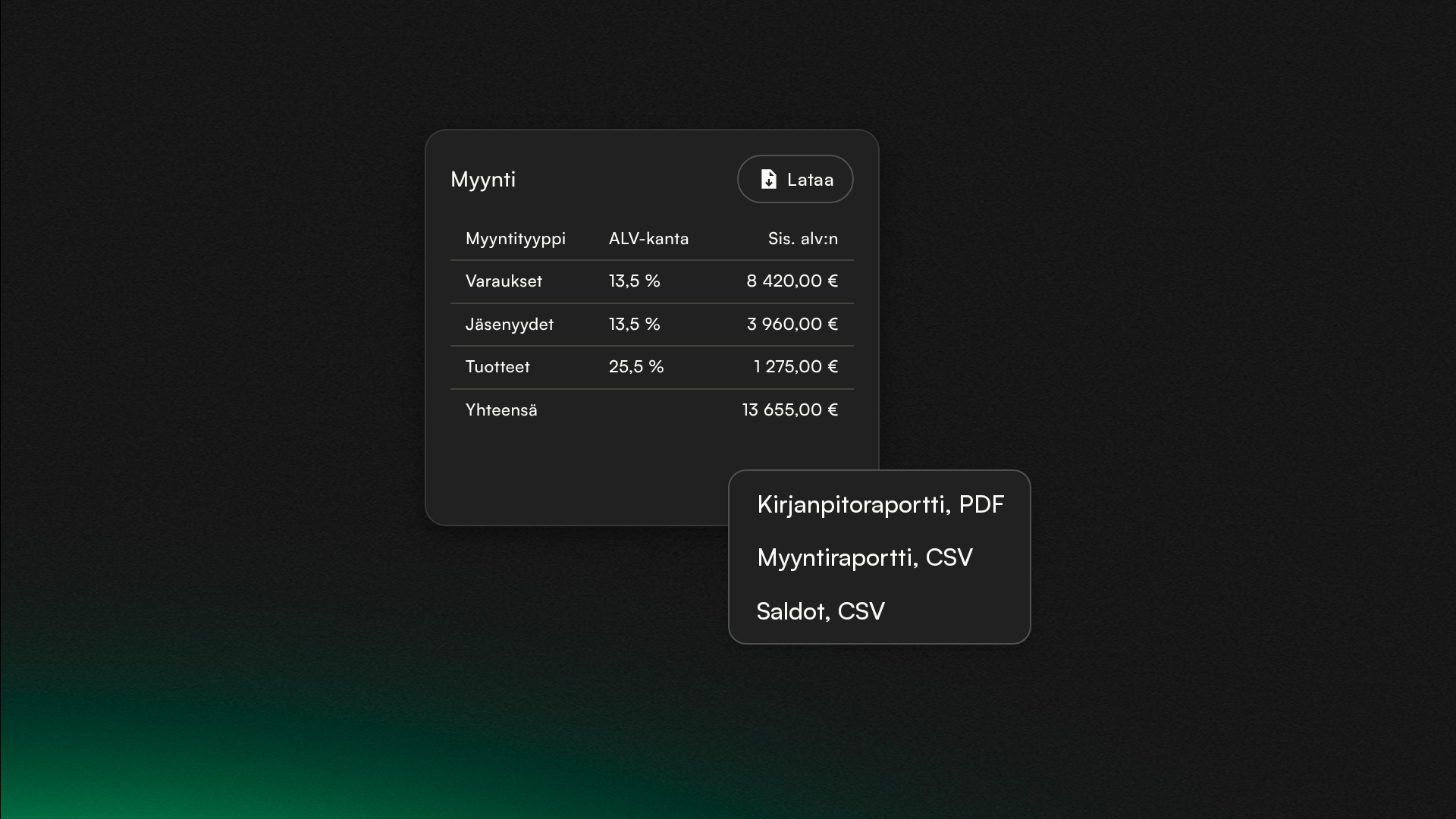
You'll find the Bookkeeping page in settings. Pick a period, and the page shows the figures your accountant books the month from.
The Sales tab splits sales by sales type and VAT rate and shows which payment methods the money came in through. Credit top-ups and gift cards sold have their own table, because they only become sales when the customer spends them.
The Credit and gift card balances tab shows each month's opening balance, movements and closing balance. If a balance change doesn't match the sales report, you see the difference in red.
The Download menu gives you the bookkeeping report as a PDF and the sales report and balances as CSV files.
Subscribe to our newsletter
Get a summary of what we've shipped, behind the scenes updates, and product tutorials.