Email templates
Venue emails can now use templates. Easier and faster communication!
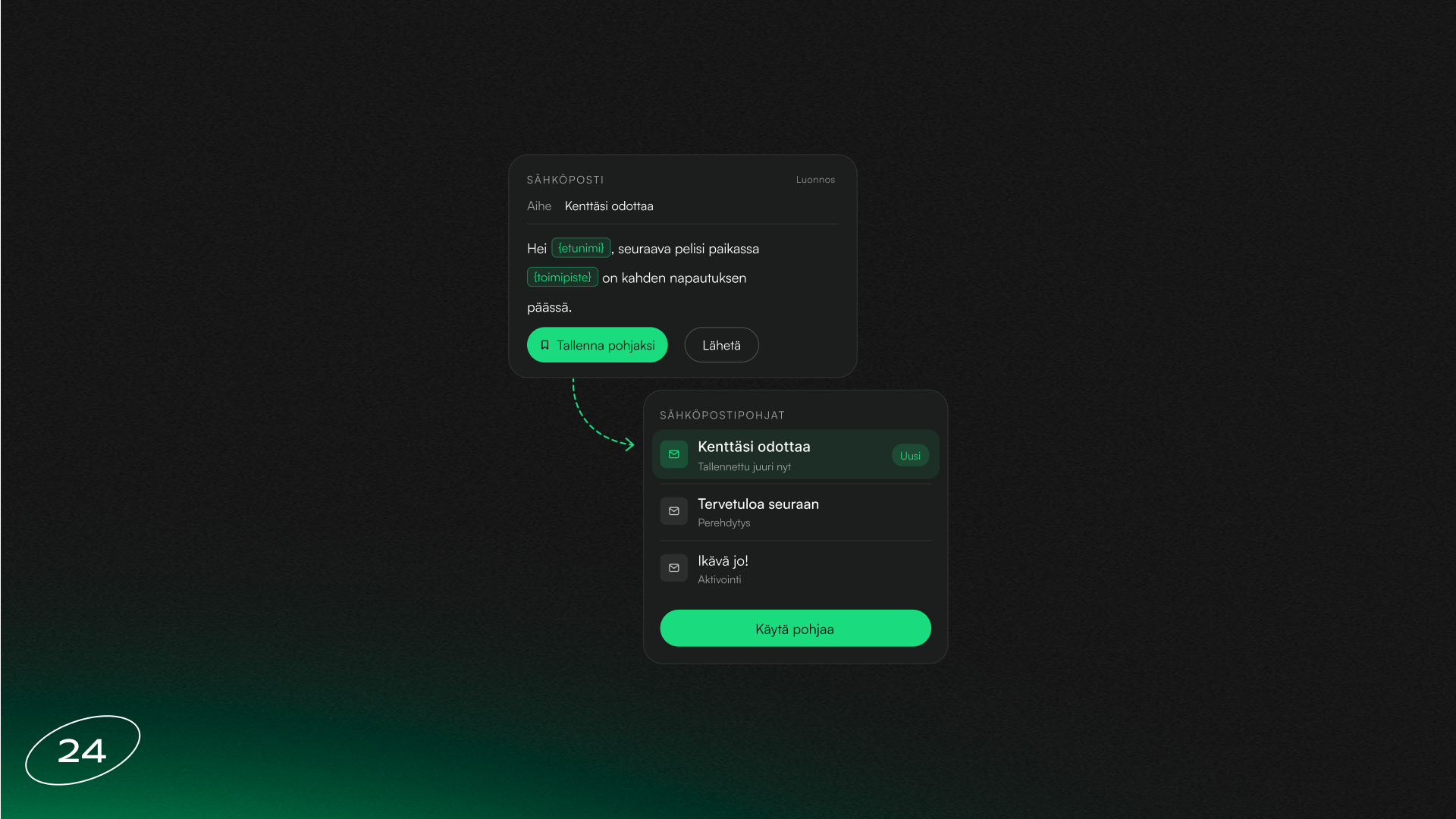
A venue can save any email as a template and start new emails from it. A seasonal message, newsletter or campaign no longer needs to be written from scratch every time.
A template is saved during the email preview stage by clicking Save as template. All templates can be found on the new Templates tab on the Marketing › Emails page, where they can be edited, copied and deleted. When creating a new email, templates appear as cards in the first step. Select a template and the subject, preview text, content, email type and reply address are filled in automatically. Templates can also use personalisation, so every customer receives the message with their own name.
Subscribe to our newsletter
Get a summary of what we've shipped, behind the scenes updates, and product tutorials.