Light and Dark themes
Thril is dark by default, but the theme is everyone's own choice: light, dark, or automatic, which follows the device's own setting and switches the look to light in the morning and dark in the evening without anyone touching a thing.
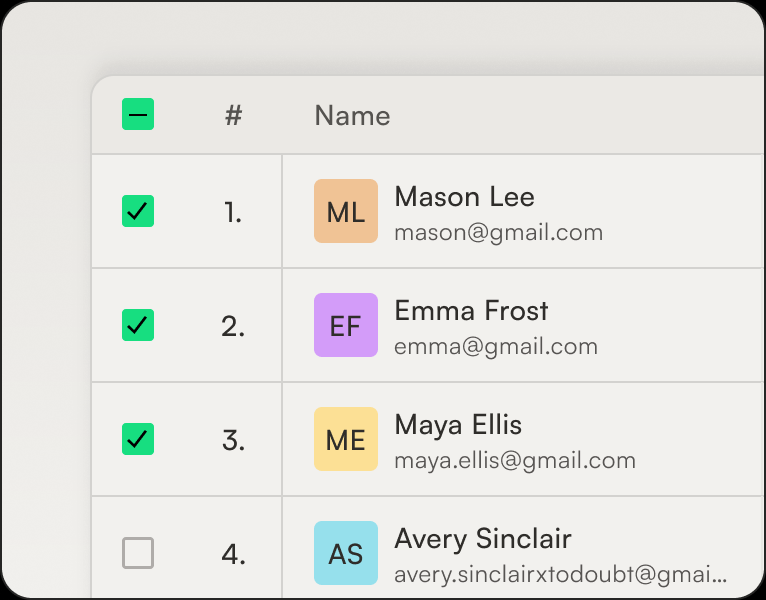
Thril is dark by default, but the theme is everyone's own choice: light, dark, or automatic, which follows the device's own setting and switches the look to light in the morning and dark in the evening without anyone touching a thing. The choice lives in the app under Appearance settings and behind your own menu in the browser, and it covers the whole product, from the customer app to web booking and venue admin. Every view from the calendar to invoices is designed for both themes, so nothing looks washed out in either. Light theme is made for bright spaces such as the lobby, the till, and a sunny court, where a dark screen turns into a mirror. The choice is remembered per device, so the till screen can run light while your own phone stays dark.
Related features
Exportables
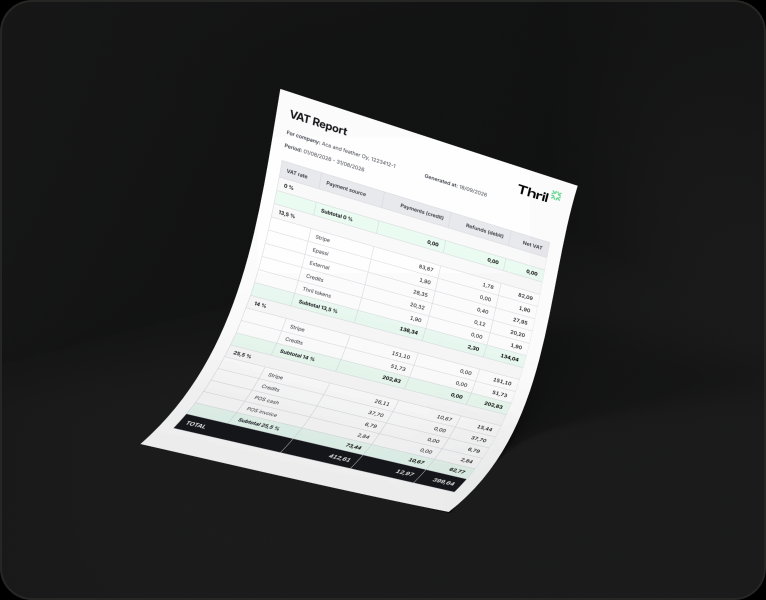
Everything you see on screen, you can also take with you as a file: pick a period or filters, hit download, and the file is on your machine in moments.
Customer management
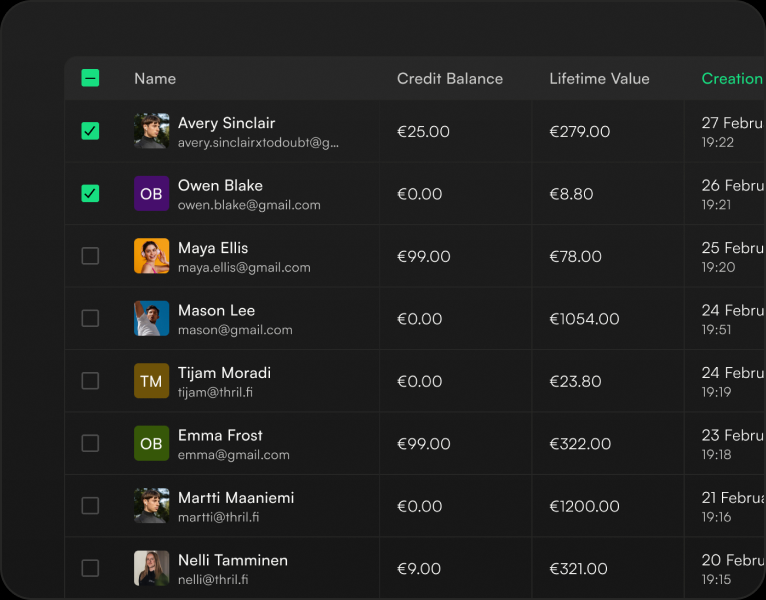
Every customer has a single card that brings everything together: contact details, bookings, payments and receipts, invoices, memberships, session cards, credit balance with its transactions, and discount groups.
Targets
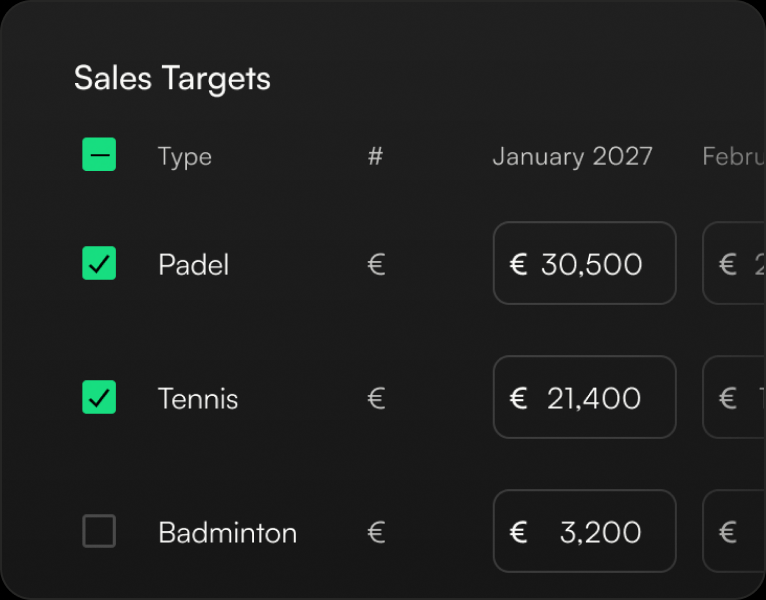
The venue enters its own figures in the statistics settings, and reporting mirrors actuals against them: a cost estimate and a sales target are set for each month.
Subscribe to our newsletter
Get a summary of what we've shipped, behind the scenes updates, and product tutorials.