Customer import
Your entire existing customer base moves to Thril with a single CSV file.
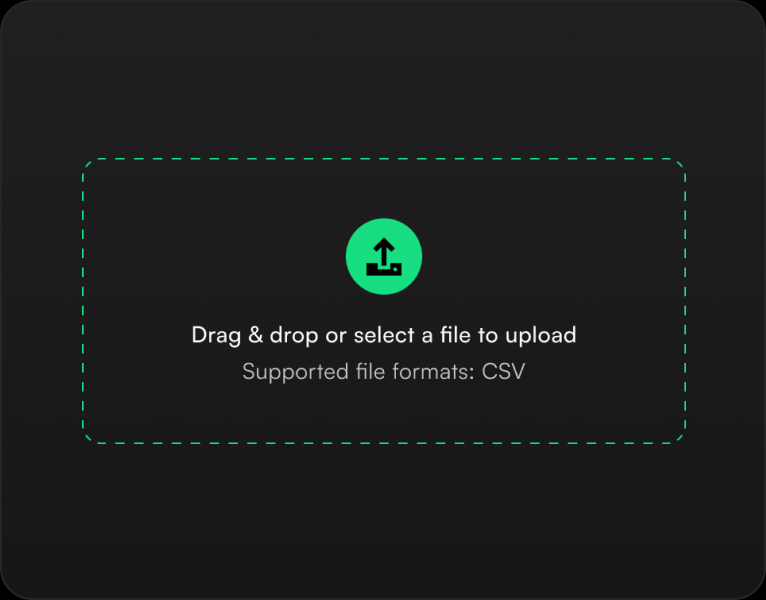
Your entire existing customer base moves to Thril with a single CSV file. Files from several competing systems are recognized automatically, and any other CSV works when you map the fields yourself; a template file can be downloaded as a starting point. Beyond the basics, the import reads date of birth, language, marketing consent, notes, credit balance and customer start date, as well as old memberships, which are matched to Thril memberships. Before confirming, a preview shows which rows will go through and which fail with what error, so faulty rows can be fixed or removed before the import is completed. At the end you see how many customers were imported and how many were left out.
Related features
Light and Dark themes
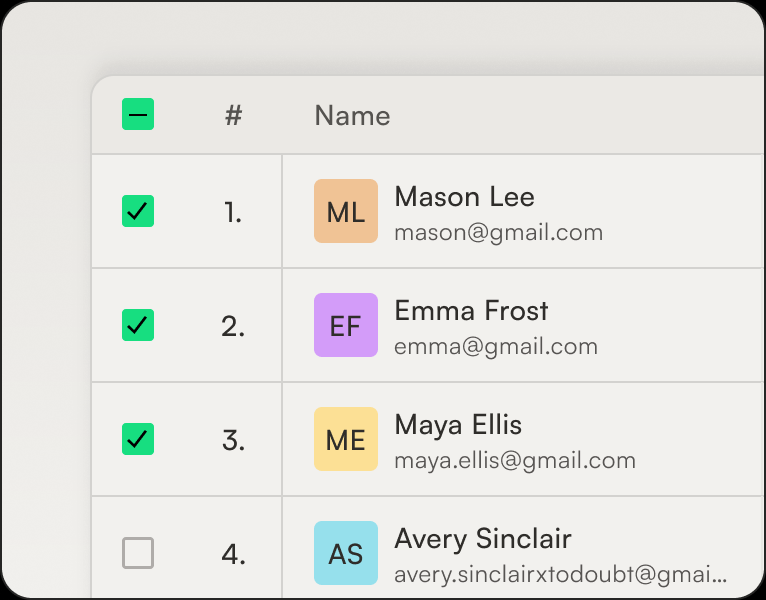
Thril is dark by default, but the theme is everyone's own choice: light, dark, or automatic, which follows the device's own setting and switches the look to light in the morning and dark in the evening without anyone touching a thing.
Exportables
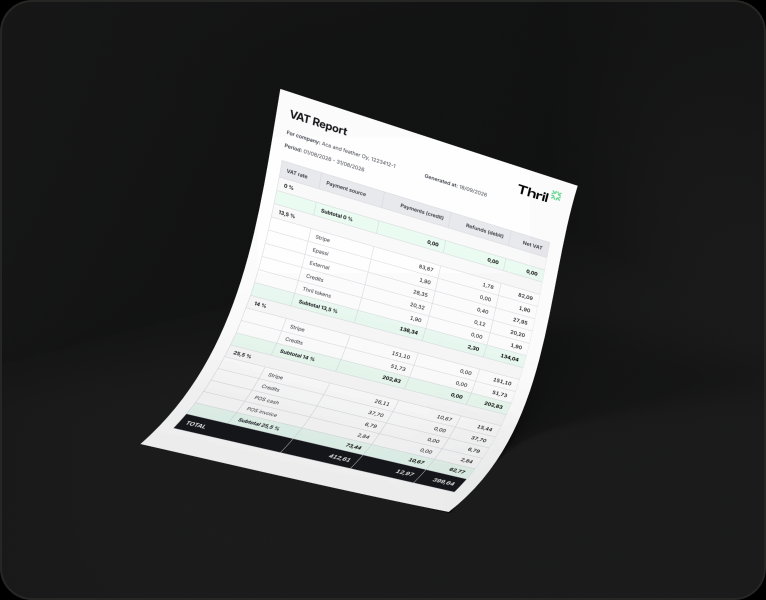
Everything you see on screen, you can also take with you as a file: pick a period or filters, hit download, and the file is on your machine in moments.
Customer management
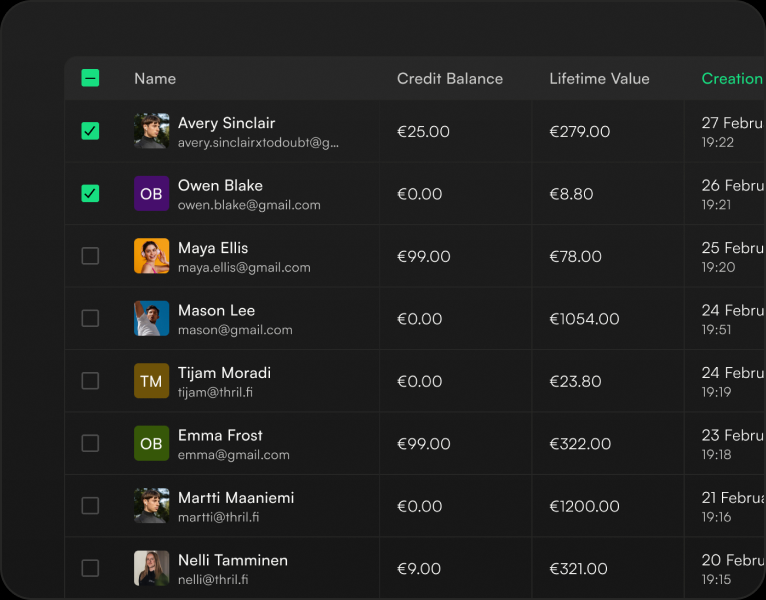
Every customer has a single card that brings everything together: contact details, bookings, payments and receipts, invoices, memberships, session cards, credit balance with its transactions, and discount groups.
Subscribe to our newsletter
Get a summary of what we've shipped, behind the scenes updates, and product tutorials.