Pricing rules
With pricing rules, you decide what booking costs and when booking is possible.
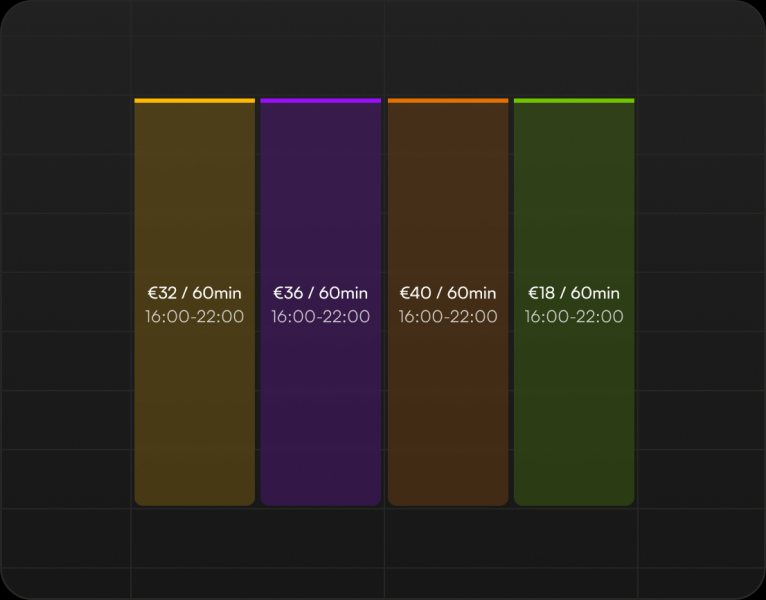
With pricing rules, you decide what booking costs and when booking is possible. Rules are managed in a weekly calendar that shows every resource's prices at a glance, and a new rule is created by painting a time slot onto the calendar. A rule combines resources, weekdays and time ranges with a price for each duration, so morning, evening and weekend prices are set up as their own rules, and summer season prices, for example, are handled without touching the base price list. Conflicting rules are blocked already at save, so the customer's price is always unambiguous. A time without a price cannot be booked, and times can be limited to members only. A membership can carry a discount or a completely separate price list with usage limits, and discount codes and partner prices add further price levels. The customer always gets one benefit, the biggest one, shown as its own line at checkout. Recurring reservations sold in the web shop can have a tiered discount, a booking's payment can be split between players, and customers can buy extra time for a booking that is about to end. Staff see the calculated price when making a booking and can adjust it by hand, and at setup the price list can be created from ready-made templates or by describing your pricing to the AI in your own words.
Related features
Light and Dark themes
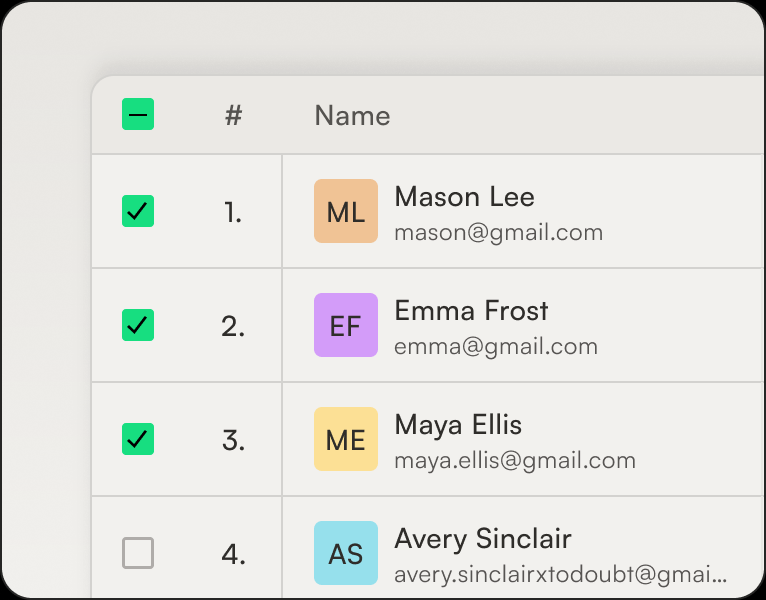
Thril is dark by default, but the theme is everyone's own choice: light, dark, or automatic, which follows the device's own setting and switches the look to light in the morning and dark in the evening without anyone touching a thing.
Exportables
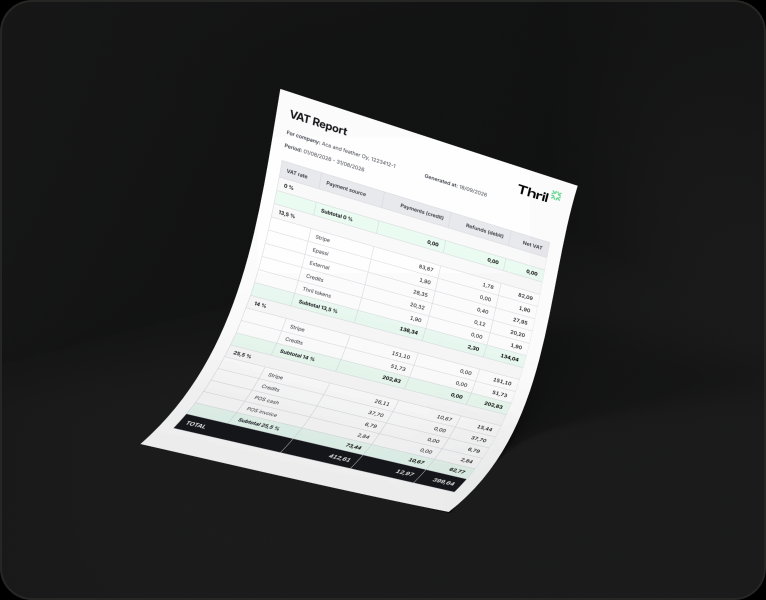
Everything you see on screen, you can also take with you as a file: pick a period or filters, hit download, and the file is on your machine in moments.
Customer management
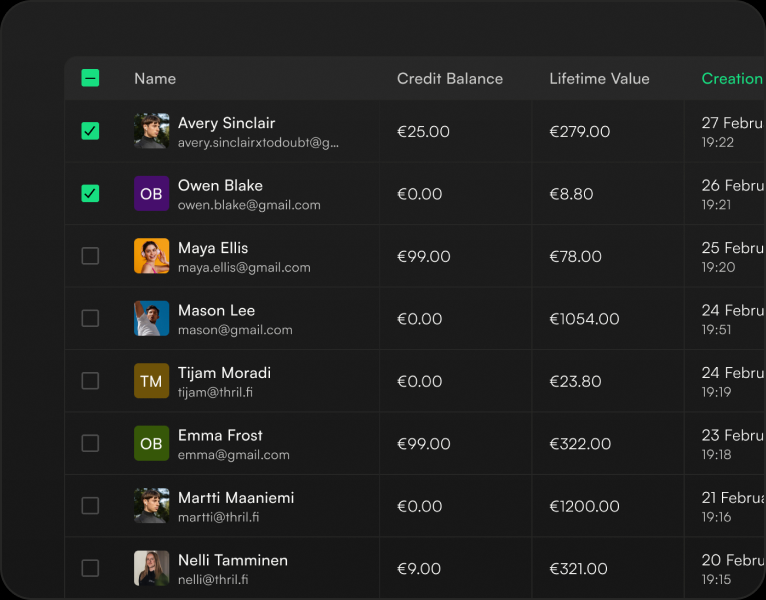
Every customer has a single card that brings everything together: contact details, bookings, payments and receipts, invoices, memberships, session cards, credit balance with its transactions, and discount groups.
Subscribe to our newsletter
Get a summary of what we've shipped, behind the scenes updates, and product tutorials.