Workflows
Workflows automatically handle the follow-up actions that there’s never enough time for in everyday life! Choose what event triggers the workflow, what conditions the customer needs to meet and what happens after it’s triggered. Build the workflow once and Thril takes care of the rest!
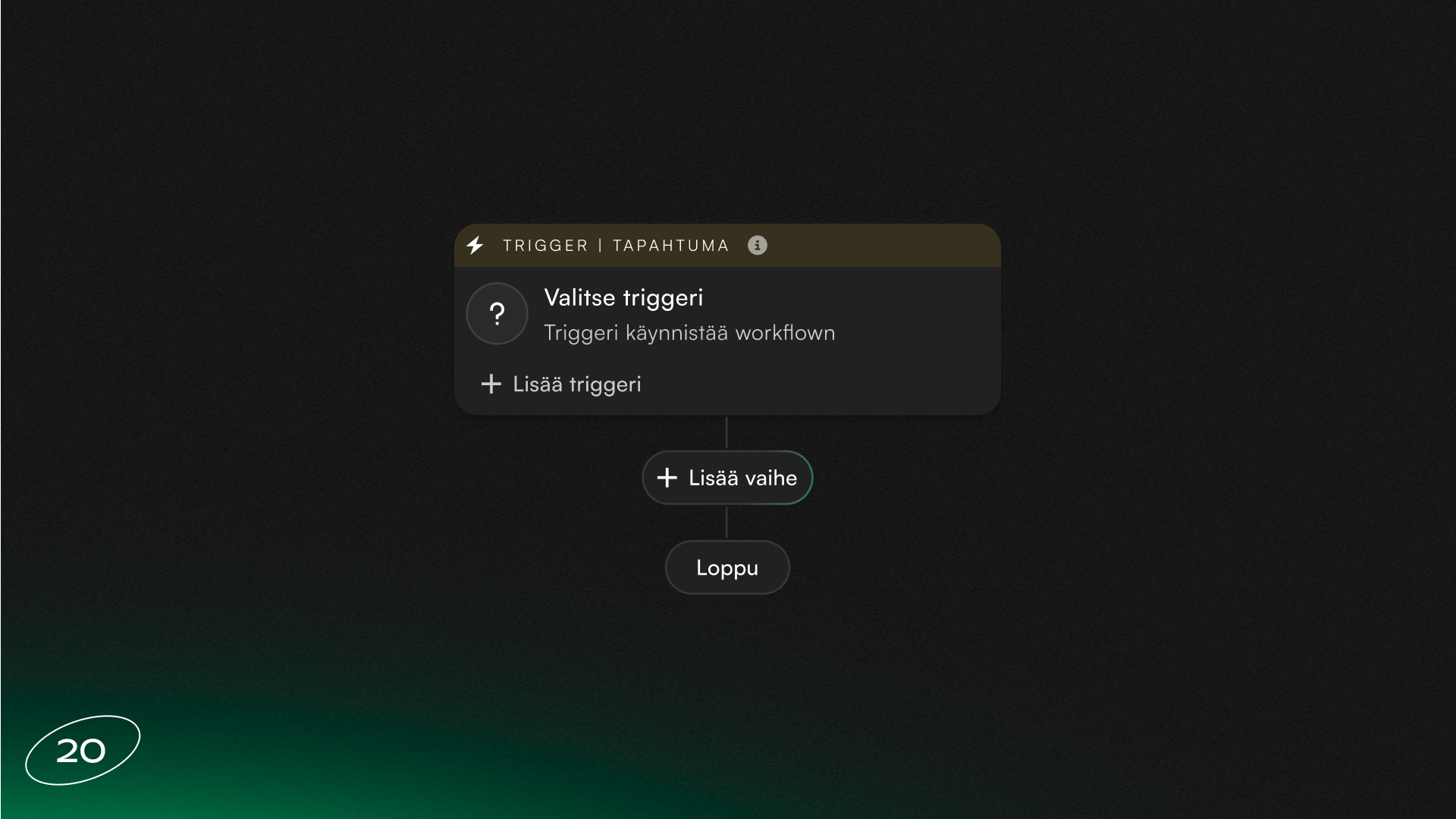
With workflows, you can automate daily manual tasks in no time.
A workflow can be triggered by, for example, a new customer, a birthday, a completed booking, a cancelled class, a booking ending, attendance at an event, an overdue invoice or a failed membership payment.
You can choose an action for the workflow, such as sending an email or push notification to the customer, a personal discount code or credits. The action can also be adding or removing a punch card or membership from a customer, updating a customer list, or for example sending an email to staff.
Conditions ensure that a message only goes to those it’s meant for. A wait step schedules the action at the right moment, such as two hours before a booking or until the customer uses their discount code. A/B testing lets you compare two messages and see which performs better.
Who’s in control?
You decide how much Thril is allowed to do on its own. Every action can be automatic, waiting for staff approval, or left as a task for staff. A test run lets you see on real data what happens when the workflow is triggered, without anything actually being sent.
The Runs view shows you, for each customer, what workflows have been executed and when.
Workflows can be found in the management portal under Marketing › Workflows. If workflows aren’t yet available to you, click “I’m interested” on the page and we’ll be in touch!
Getting the most out of workflows
Birthday gift
When a customer has a birthday, Thril creates a personal discount code and sends it by email. You can give a better reward to your biggest spenders!
Welcome series
A new customer receives a welcome message as soon as they join the customer list. If they don’t make a booking within the time you set, you can send an encouraging reminder.
Back to training
Send an encouraging comeback code to a customer who hasn’t been active for a long time. If the customer doesn’t use the discount code within a set period, a reminder is sent automatically. This way you also activate your less frequent customers!
Thank you to loyal customers
Every sports venue has its most active customers. Automatically send credits, for example once a month, to customers who have been with you for over a year. A neat way to reward your most loyal customers!
Personalise your messages
In emails for example, you can easily use Thril’s personalisation tokens to address each customer personally — even in automated messages!
Subscribe to our newsletter
Get a summary of what we've shipped, behind the scenes updates, and product tutorials.