· 4 min read
Booking system switch: checklist
By switching systems, you can achieve a simpler, easier everyday life for yourself and your customers. And switching a booking system doesn’t have to be difficult. See how smoothly the process goes.

 Thoughts
Switching a booking system often sounds more laborious than it really is. It can be done in no time. When the switch is well planned, communication goes out in good time and staff are properly onboarded, the process doesn’t take up time or unnecessary energy. This checklist makes sure nothing gets left behind along the way.
Booking system switch checklist
- Migrate the customer register: The customer register can easily be moved from any system to Thril, either by yourself or with our help.
- Migrate balances, gift cards and punch cards: This way customers’ bookings, payments and products don’t get lost along the way.
- Bring in recurring and one-off bookings: So that the transition goes unnoticed, we import the booked slots and classes into Thril together.
- Choose the switchover moment: For example, the night between Sunday and Monday is less likely to run into challenges.
- Plan the communication: One to three messages are usually enough for customer communication, covering the benefit to the customer, the practical arrangements and instructions for using the new system.
- Open bookings in advance: This way customers can book in Thril even before the actual switch and get familiar with the new app.
- Onboard your staff: Training and onboarding support are of course included in Thril’s setup at no extra cost.
Which system are you switching from and how does the process go?
Your system can be anything: Playtomic, MATCHi, Mindbody or even an Excel spreadsheet. Switching to Thril is quick from any system.
First, the customer register is imported into Thril. This happens independently or with staff assistance, regardless of the source system.
As customer data is imported into the new system, Thril accounts are created for customers automatically. The customer logs in to Thril with the same email address as in the previous system, and everything is ready.
The customer’s bookings, balances, gift cards and punch cards are transferred in the same import, so they don’t have to go looking for them themselves. This way payments and bookings continue after the switch without a break.
How do you tell customers about the switch?
It’s worth setting aside time for communication. Thril helps with planning customer communication if needed, and we can do it on your behalf too.
The most important thing is to tell your customers what’s new for them with the system switch. For example, paying with sports benefits directly in the service makes everyday life visibly easier for both business and consumer customers. Alternatively, booking all services and reaching customer support in the same app speeds up the whole experience.
Is your staff ready for the switch?
Staff need to know how to use the system to get the full benefit from it. Thril provides training and support for venue staff at no cost during onboarding. If needed, the Thril team will come on-site to guide you.
How long does switching a booking system take?
The duration depends on the size of the venue. At the smallest venues, the fastest Thril onboardings have been done in 45 minutes. For a large sports hall, it’s worth setting aside a few weeks for communication.
What else should you consider in the switch?
- POS: Do you need a physical till and payment terminals at your venue?
- Payment methods: Which payment methods do you want to offer your customers?
- Access control and lighting: How are access control and lighting control currently handled at your venue, and do you want to continue the same way?
Frequently asked questions
Do customers need to create a new account? Usually not. Accounts are created when the customer register is imported, and the customer logs in with the same email as before.
Will customers’ existing balances and cards be lost? No. Balances, gift cards and punch cards are transferred during the switching process.
Can the switch be made without a break in bookings? Yes. Recurring and one-off bookings are imported into Thril in advance, and the switchover moment is chosen so that there’s no pause in customers’ bookings.
Is there a separate charge for training and onboarding support? No. Training and support are always available for Thril users.
How long does the switching process take? It depends on the size of the venue. At the smallest venues, onboarding can be done in under an hour. For larger businesses, it’s worth setting aside a few weeks for communication.
Book a meeting where we go through how Thril can help you.
Contact information
📞 Phone: +358 50 3068660
📧 Email: info@thril.fi
📍 Address: Unioninkatu 24, 00130 Helsinki, Finland
Recommended reads
 Thoughts
AI and automation for sports venues
With Thril’s AI features, you make your business run more efficiently. When you hand manual work over to AI assistants, you can focus better on development and on your customers.
Topias Marjamaa
· 4 min read
 Thoughts
AI-native booking system: what does it mean?
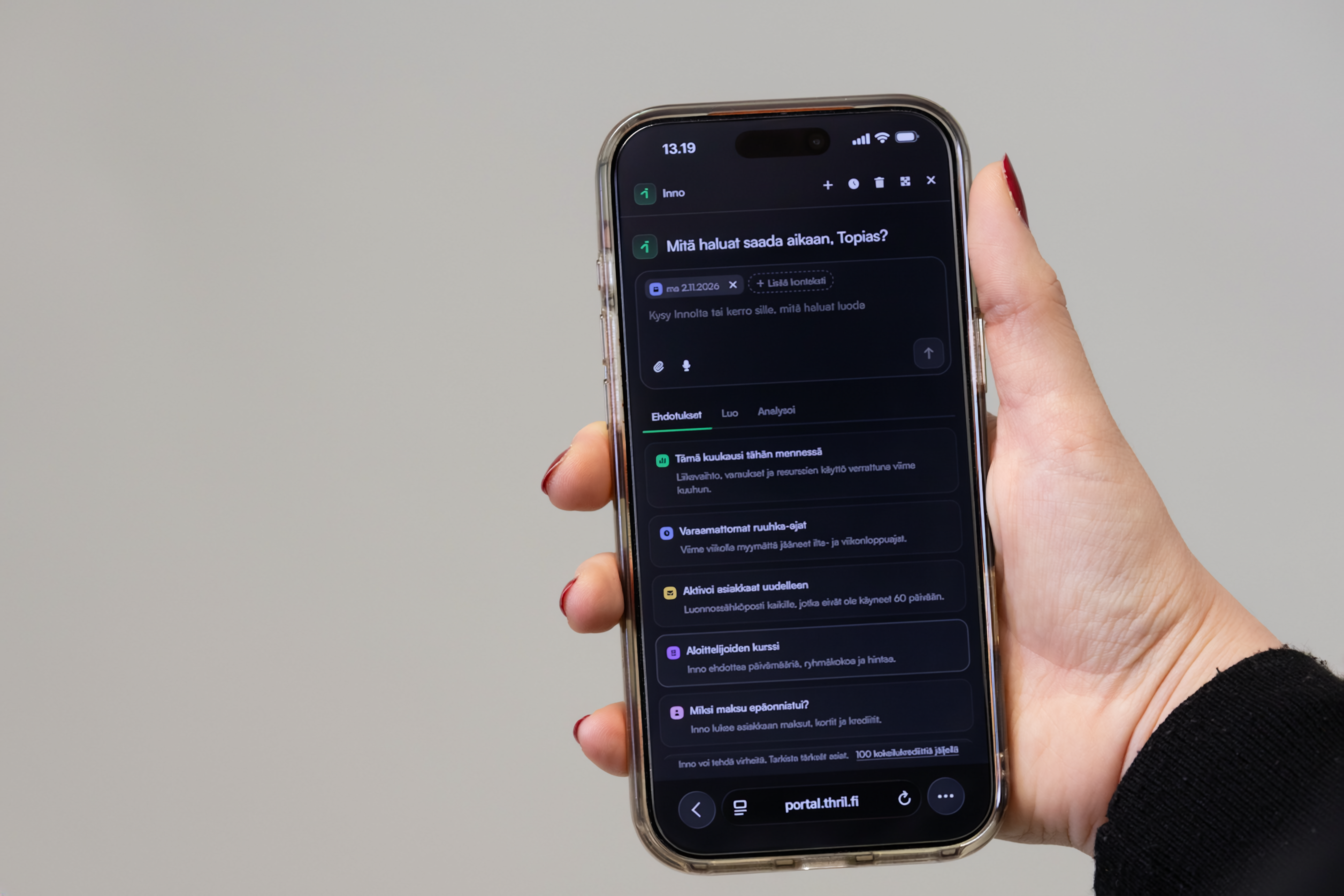
Thril’s AI features simplify the everyday life of sports venues. In Thril, AI lives inside the system and can make use of the venue’s own data, works alongside automations, and the entire booking system can also be connected to AI assistants such as Claude and ChatGPT.
Topias Marjamaa
· 3 min read
 Thoughts
Sports centre management: access control, payments and bookings in one place
A sports centre’s day-to-day is built on many critical functions. Here’s how Thril brings their management together in one system.
Topias Marjamaa
· 3 min read
Wanna hear more?
We post blogs, news, and probably also memes whenever there's something worthwhile to say. By joining our newsletter you're always updated of our tomfoolery!