Payments page
The Payments page brings every payment at the venue into one list regardless of source, whether it came from the web, the app, the till or an invoice.
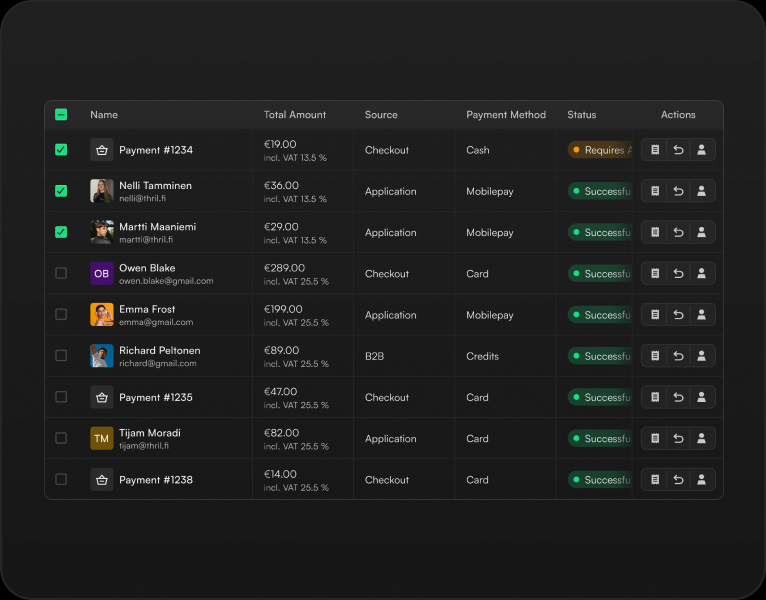
The Payments page brings every payment at the venue into one list regardless of source, whether it came from the web, the app, the till or an invoice. Each row shows the customer, the product purchased, payment method and source, time and who handled it, and the status: paid, pending, refunded or partially refunded. The amounts show the gross price with tax, the net amount excluding tax, and any open balance. Credits and Thril tokens have their own columns, so the shares paid with house balance and with money stand out at a glance. The list can be filtered by status, source, payment method and integration, so pending or invoiced payments, for example, are found in seconds. Payments are also handled in the same view: refund as money or credits, complete a pending payment, or jump to the customer's details. The full data can be sent to your email, and bookkeeping gets its own tax period report and Stripe settlement report.
Related features
Credits
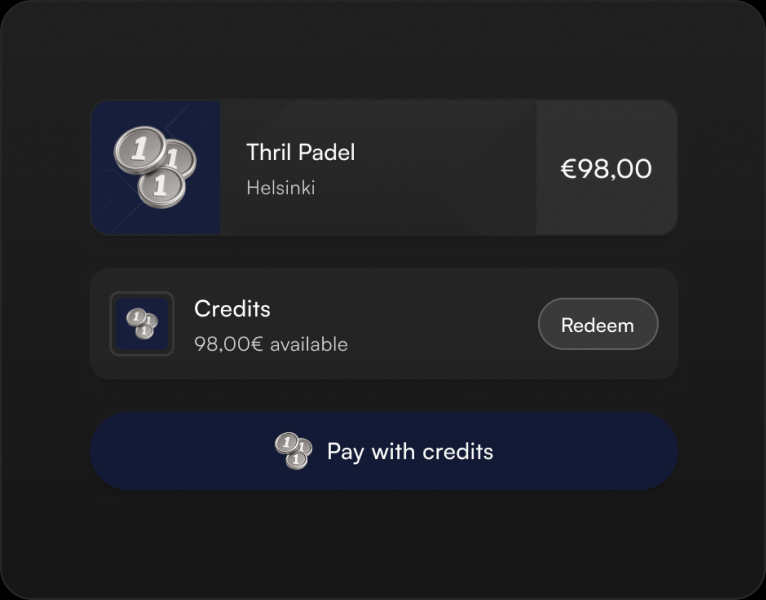
Credits are a venue-specific payment method on the customer's account.
Tokens
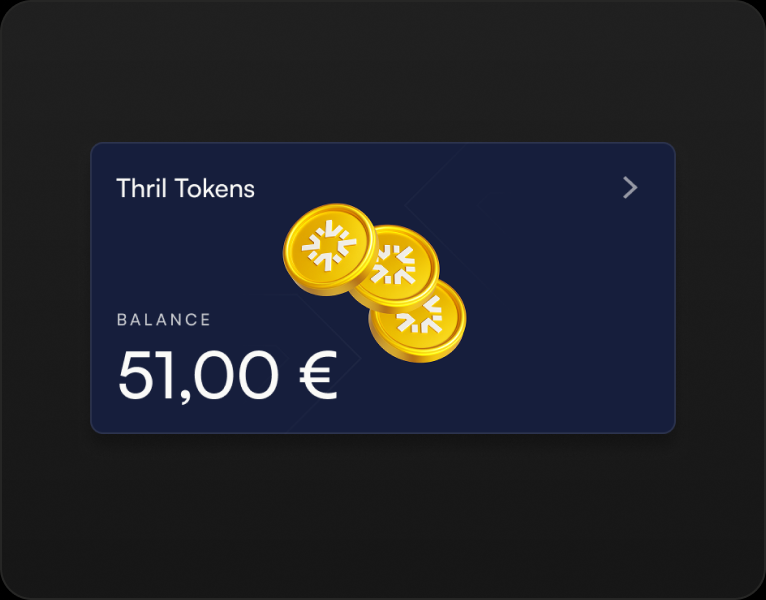
Tokens are Thril's own balance, not tied to any single venue. Customers use them to pay for anything in the app, whether it's a booking, a class, a league fee, a golf tee time, a service booking, or a shop product, at any Thril venue.
Employee benefits
Customers pay for a booking, class or membership with their employer benefit directly in the app and on the web, with no receipts to send afterwards.
Subscribe to our newsletter
Get a summary of what we've shipped, behind the scenes updates, and product tutorials.