· 4 min read
Launch Month week three — 7 new features
Throughout Launch Month — October — we’re releasing a new feature in Thril every day. Three weeks are now behind us — here are the new features from week three.

 News
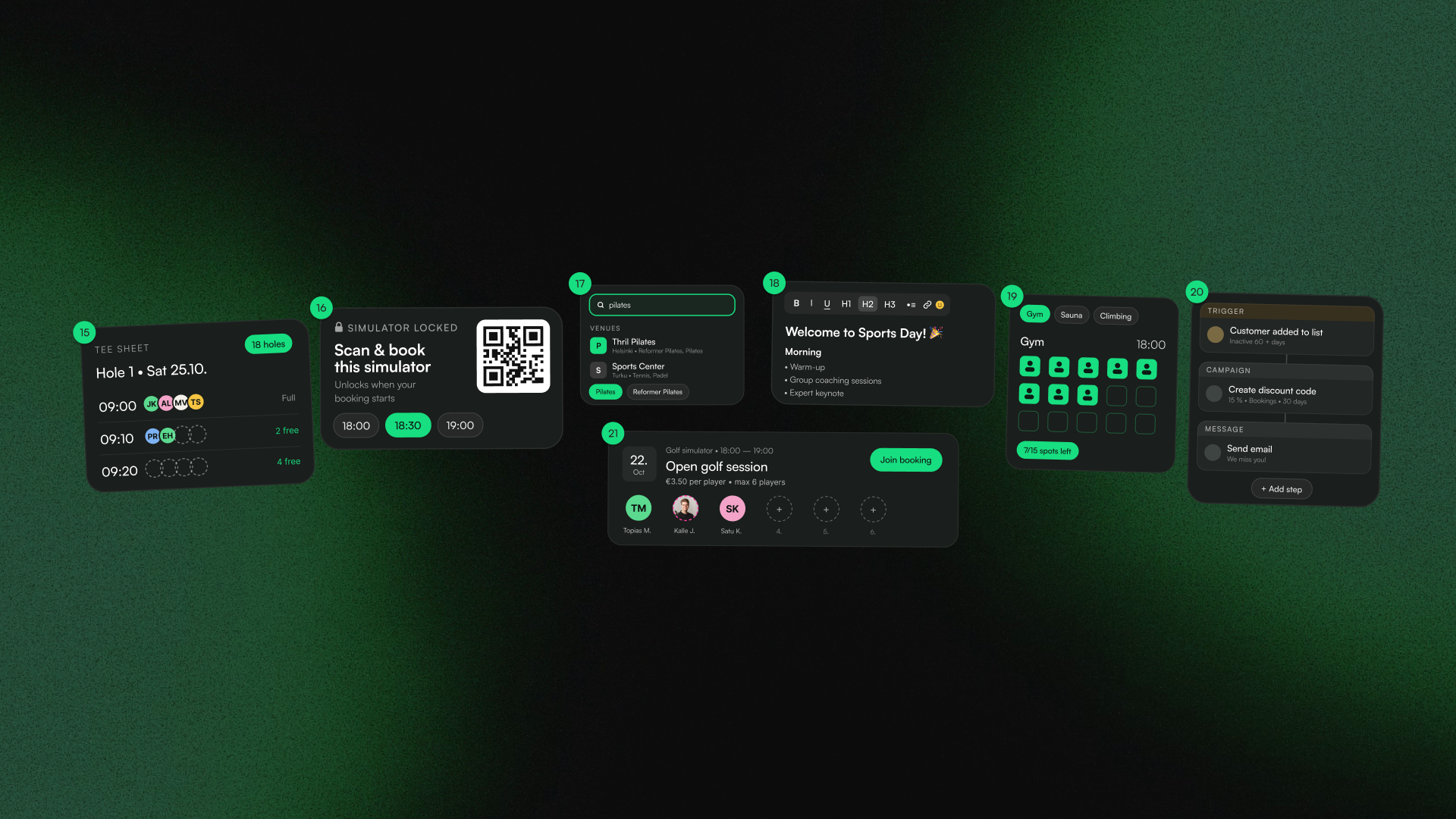
NewsIn Launch Month's third week, Thril came to golf courses, golf simulators got their own lock, search became smarter, event descriptions gained formatting and images, resources can now be given a capacity, workflows automate follow-up actions and venues can publish open bookings themselves.
Throughout October we're releasing a new feature to our platform every day, and three weeks are now behind us. A total of 21 new features have been released so far.
If you missed the earlier weeks, you can find them here: week one and week two.
Golf on the course and in the simulator
Thril for golf
Thril is now a full golf management system. Club staff manage course-specific tee sheets through Thril and sell memberships and shareholdings. Staff can see every player's handicap, home club, tee and registration, as well as payment statuses. Golf carts, buggies and bags can be rented directly alongside a tee time booking in Thril.
Competitions in the same system. Stroke play, Stableford, fourball, foursome, greensome and scramble, gross or net. And add a side competition such as longest drive or nearest to the pin.
Now you manage all of this, marketing and communications included, in Thril.
SimSalaThril
SimSalaThril is Thril's own lock for golf simulator screens. The simulator stays locked until it has been booked. When the booking starts, the computer and screen unlock automatically. Five minutes before the booking ends, a QR code appears in the corner of the screen, letting the player book extra time directly in Thril. When the booking ends, the simulator locks. Staff can unlock or lock the simulator on-site with a four-digit PIN code, and every action is logged in Thril.
Going forward, every minute played in the simulator is also a paid minute and extra time is sold without any staff involvement.
Easier to find and book
Smarter search
Thril's search now understands everyday names for sports, such as "pingis" (table tennis), "futis" (football), "sähly" (floorball), "pesis" (Finnish baseball) and "jumppa" (aerobics). It also finds related sports: Pilates finds reformer Pilates, padel finds single padel and gym also finds crosstraining centres. Small typos don't get in the way, and a venue can be found by chain name too. Venues can also set keywords to boost their visibility in relevant searches.
Capacity reservations
A resource can now be given a capacity. A single booking then doesn't mean the entire space is reserved, instead, customers book spots until they run out. The feature works for gyms, climbing halls and saunas alike. A customer can book one or more spots for themselves and their friends, and the price, punch card uses and membership uses are calculated per spot.
Open reservations created by the venue
Venues can now publish open reservations themselves. Customers join the slot, and when there are enough participants, the booking is confirmed and the court price is split equally. If there aren't enough participants by the deadline, the slot is released and nobody is charged. Published as a recurring booking, an entire weekly series can be set up at once. For example an evening slot suited to a specific level group.
More impactful communication
Better event descriptions
Headings at three levels, bold, italic, lists, links, emojis and images can now be added to event, tournament, league and course descriptions. Each section of a tournament can have its own heading, rules can be listed clearly and a course's content can be shown week by week. Images show what the space or a previous event looked like. This way you communicate about the event powerfully right from the start!
Workflows
Workflows handle the follow-up actions there's never enough time for in everyday life. A workflow can be triggered by a new customer, a birthday, a completed booking, a cancelled class, an overdue invoice or a failed membership payment. The action can be an email or push notification, a personal discount code, sending credits or adding a punch card. Conditions route the message to only the right people, a wait step schedules the action at the right moment, and A/B testing shows which message performs better.
You decide how much Thril is allowed to do: an action can be automatic, waiting for staff approval, or left for staff to handle. A test run shows you on real data what would happen, without anything being sent.
Launch Month continues
Three weeks are behind us, and new features continue to be released every day until the end of October! Follow the releases here and book a demo if you want to get the features for your own use.
Recommended reads
 News
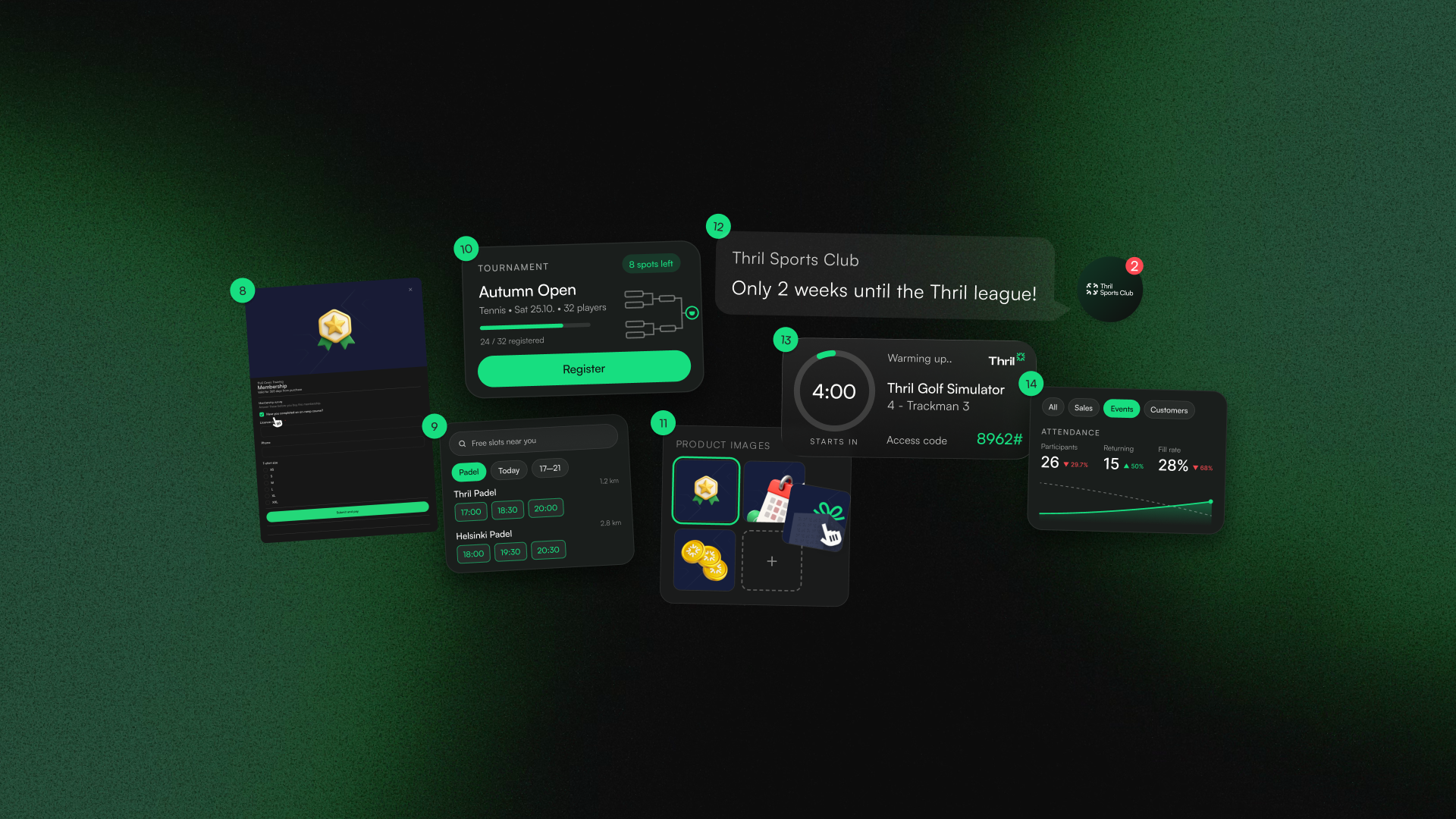
NewsLaunch Month week two — 7 new features
Throughout Launch Month — October — we’re releasing a new feature in Thril every day. Two weeks are now behind us — here are the new features from week two.
Topias Marjamaa
· 3 min read
 News
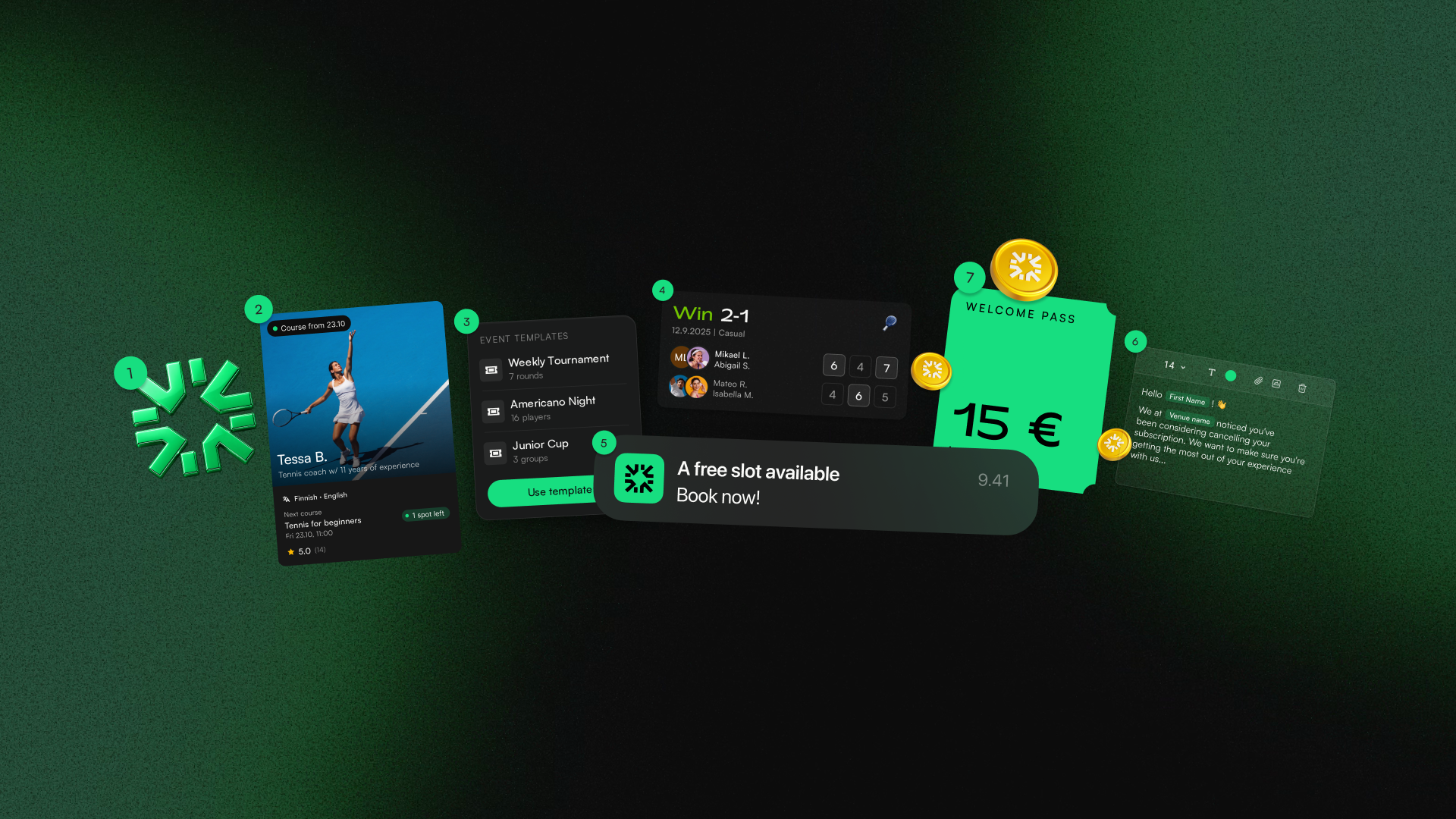
NewsLaunch Month is here — here are the first 7 features
Thril's Launch Month has kicked off with a bang and the first week has brought seven brand new features. Here's a roundup of what's new in Thril.
Topias Marjamaa
· 2 min read
 News
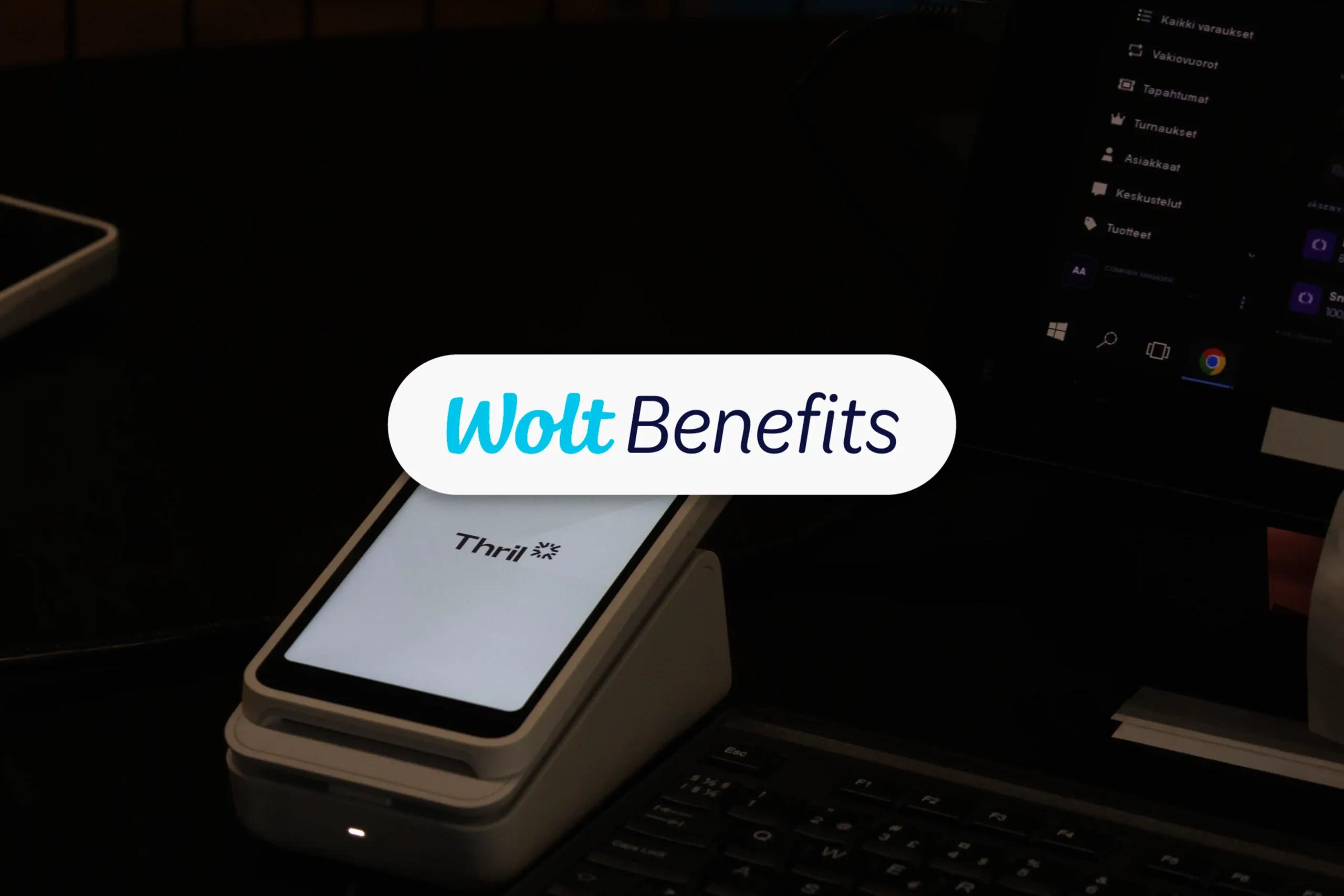
NewsWolt Benefits is now available as a payment method in Thril
Wolt's new employee benefit, Wolt Benefits, is now in Thril. Customers of sports venues using Thril can now pay for slots, courses, memberships and events with the Wolt Benefits employee benefit.

Thril
· 1 min read
Wanna hear more?
We post blogs, news, and probably also memes whenever there's something worthwhile to say. By joining our newsletter you're always updated of our tomfoolery!